Tilt Shift is a simple tool found in Photoshop that adds 2 lines of blur to your image parallel to each other.
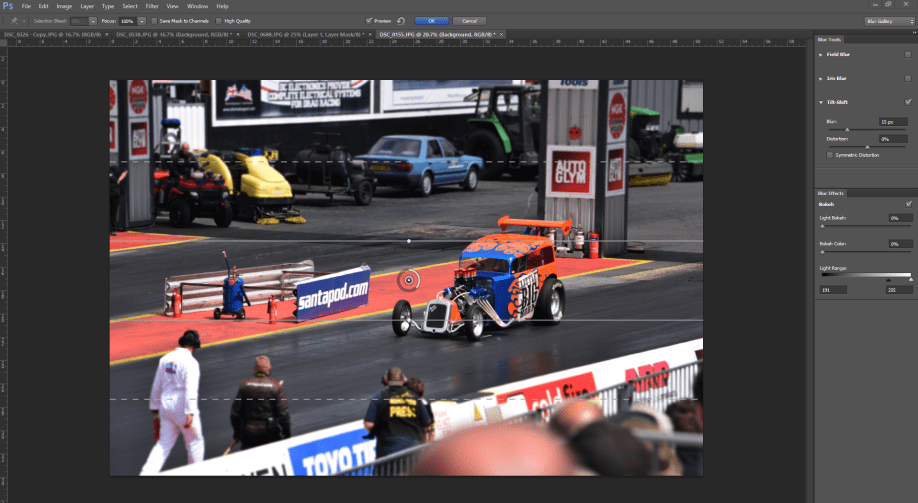
This is what the tilt shift tool looks like when you’re in the window. The blur sliders on the right side control the amount of blur that the outside receives, while distortion adds a motion blur to the affected areas.
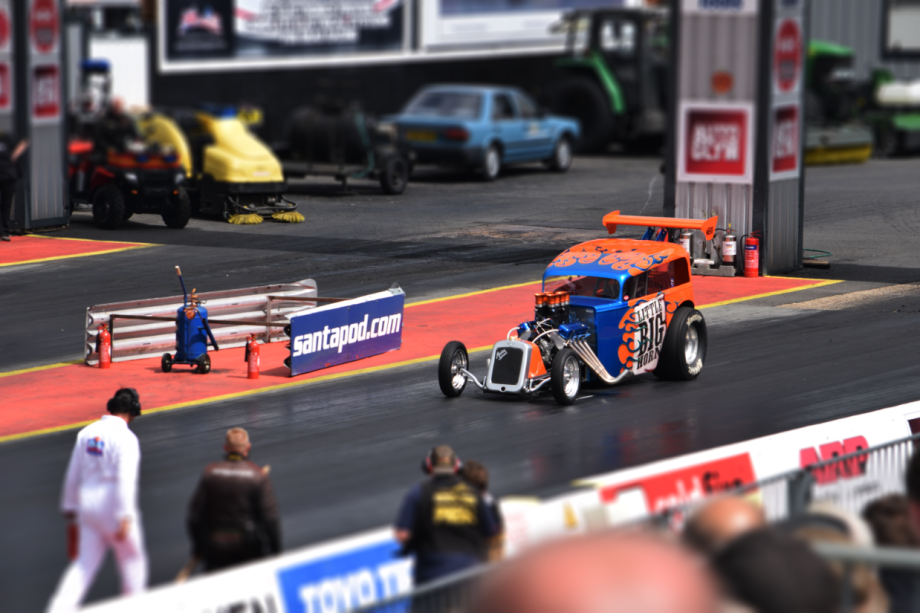
This is the image after the tilt shift has been applied. While it works really well and at a quick glace there’s nothing wrong with it, looking closer reveals a few issues with the tool. like how the depth of field doesn’t fit quite right. Using the pillar behind the car as an example, the pillar goes out of focus half way up the pillar, however that would mean that the pillar is leaning backwards and getting further away from the camera, we know this isn’t the case though. the same can be seen with the man in the bottom left of the image, his legs are more blurred than his head and shoulders are.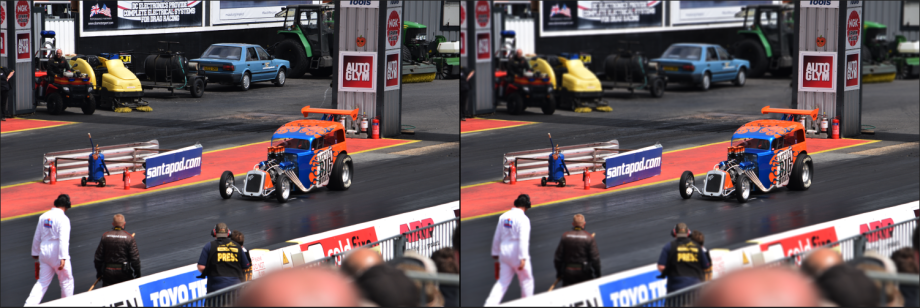 This is a comparison between the stock image and when tilt shift has been added. Works pretty well, but it needs help from us if you want to make it look believable.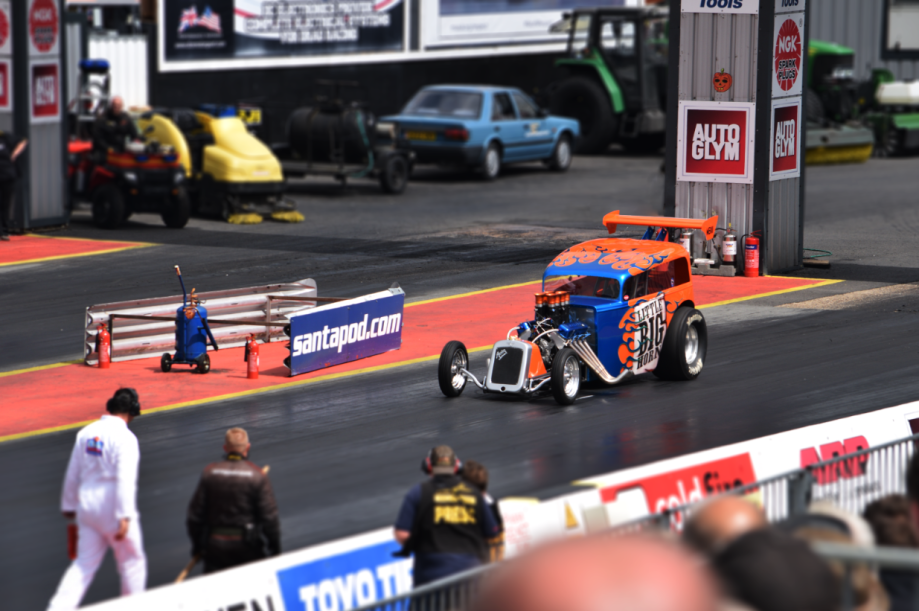
With a little bit of brief editing, i have blurred the man in the bottom left a little more, and i have removed the blur from the pillar and spoiler of the car, keeping the depth of field in line.
All in all, its an effective tool, but it doesn’t work 100% of the time alone. It works a lot better with a wide field of view or a much busier image where you are less likely to notice a little out of place blurring.

